Category Archives: WordPress tips

Plugin: Regenerate Thumbnails ERROR undefined [SOLVED!]
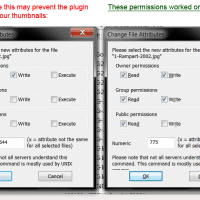
Question: I’m a big fan of the Regenerate Thumbnails WordPress plugin, howeve, recently some of my photos aren’t able to have their thumbnails regenerated! All I get is the following error 🙁 Regenerate Thumbnails All done! 0 image(s) were successfully resized in 2 seconds and there were 1 failure(s). To try regenerating the failed images again, click here. To go back to the previous page, click here. Please be patient while the thumbnails are regenerated. This can take a while
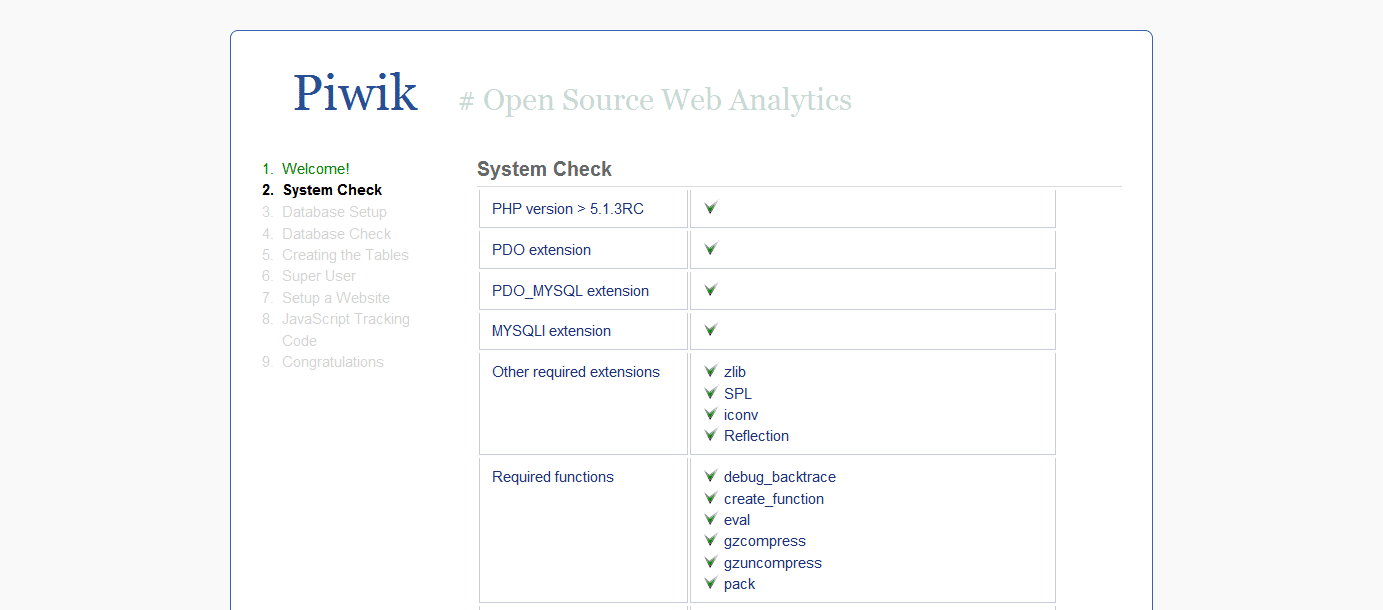
WordPress Multisite Stats Plugin [SOLUTION]

The WPMU (WordPress Multi User) project has always interested me. It’s a simpler version of what we do on Weblogs.us The general concept for WPMU is to have one master WordPress install that contains any number of blogs. WPMU recently merged into regular WordPress and the new “Multisite” option. So, WPMU is now no more, long live WordPress Multisite. 🙂 Since I’m testing out WordPress multi-site I’m also looking for a good web statistics solution for it. I’d prefer to

How to optimize WordPress for iPhone?

Q. What’s a good and easy way to optimize WordPress for the iPhone/Ipod touch etc. ??? A. WPtouch :-). Here’s some more info: WPtouch iPhone Theme « WordPress Plugins http://wordpress.org/extend/plugins/wptouch/With a single click, WPtouch transforms your WordPress blog into an iPhone application-style theme, complete with ajax loading articles and effects, when viewed from an iPhone,… To use the plugin with Weblogs.us hosting: download it unzip it upload it via FTP to: /wp-content/plugins/wptouch/ active the plugin from your WordPress administrative interface

Snazzy Archives Error [solved]

The  Snazzy Archives plugin is a cool WordPress plugin for outputting snazzy archives. However, it seems that something in the latest update of the plugin (or possibly of wordpress) is causing some problems: Just allowed the latest plugin update this morning. My archive still displays… but shows this message above it… Help ! Don’t know why I’m receiving the following error message, after the latest upgrade: Don’t know why I’m receiving the following error message, all of a sudden, after

Hiding particular categories on a WordPress blog frontpage

I decided to hide my techie posts (a particular category of posts) from the home page of my blog. The rationale is that most of the people visiting my homepage are friends and family that don’t really want to read the techie stuff, so why should I show those posts on the frontpage? Conversely, most Google visitors are searching for the techie stuff so I still want to leave in on my blog. I did some googling and found an

Recent Entries »