Category Archives: computer tips

Dell E6510 Unknown Device [SOLVED]

Dell E6510 laptops often have an Unknown Device ACPI/SMO8800 when you reinstall Windows 7. Here are the drivers to solve your problem! PS or you can skip the explanation at the above link and just download the driver here: (Dell download link) [download id=”10460″ format=”1″] Top Search Terms:dell e6510 unknown device windows 7 (201)e6510 unknown device windows 7 (144)dell e6510 unknown device (73)e6510 unknown device (54)unknown device e6510 windows 7 (45)unknown device e6510 (31)dell e6510 windows 7 unknown device (20)unknown device

ACPI/HPQ0004 PCI Unknown Device Driver [solved]

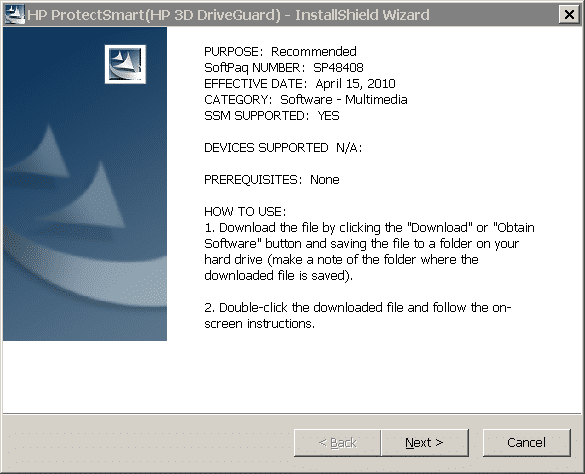
Q. Hello, I have a HP laptop showing ACPI/HPQ0004 unknown device and I need to find the right drivers. I saw you helped Dell users with a similar problem… Can you help me with this one too? Here is the deal: Clean Windows 7 install on my HP Pavilion DV6. Every other HP driver is working perfectly and Device manager looks great EXCEPT!!! I have an unknown device with listing ACPI/HPQ0004. Please help as I really want to get the right

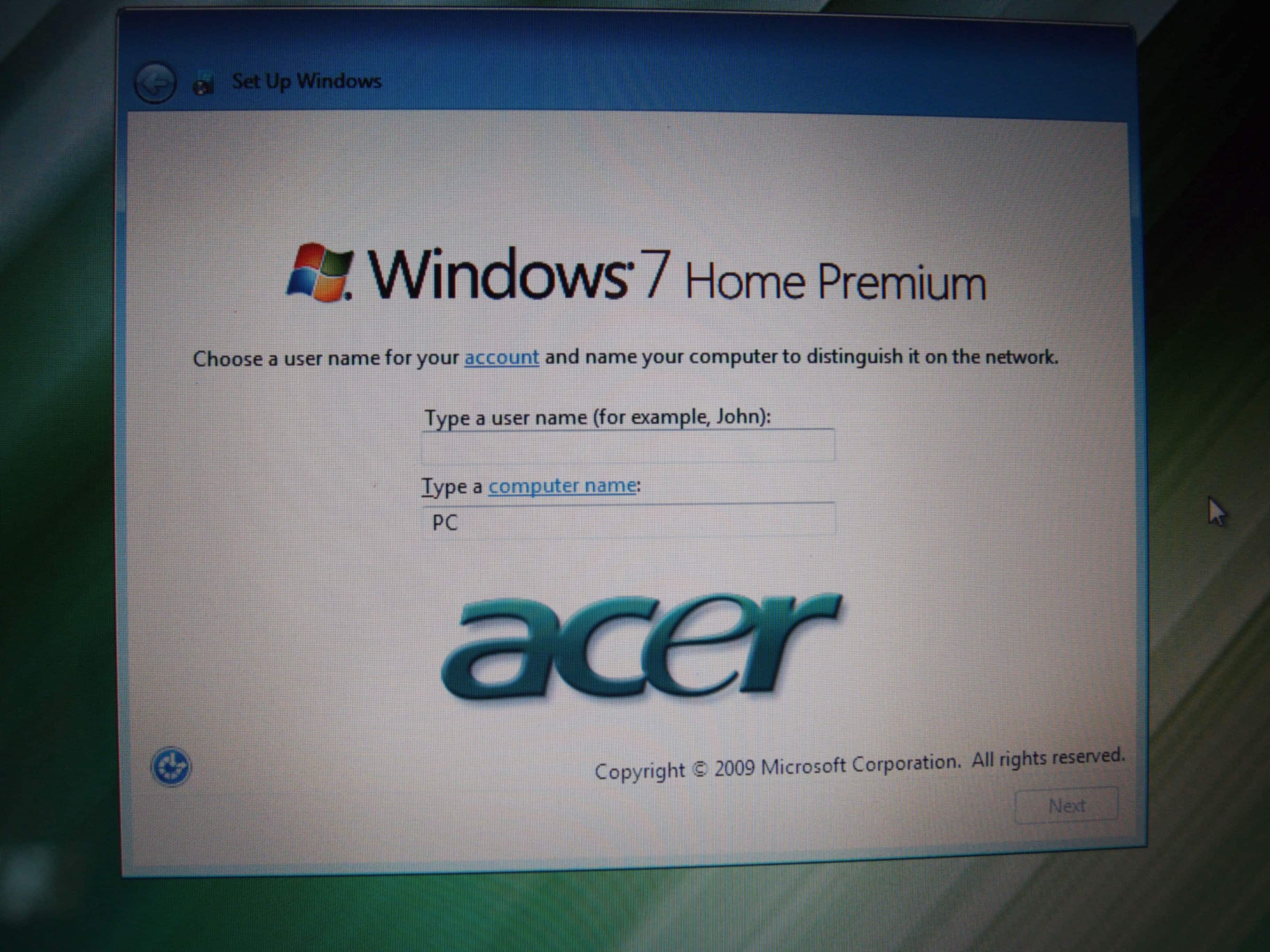
Upgrading M4400 -> How to backup/get my favorite folders from XP to Win7

NOTE: you can also view all the entries in this Q & A series… On 10/7/2011 11:38 AM, David wrote: PS. My 4400 is pretty clean (hard drive that I am swapping out). What I mean by that is I only have some evaluation versions of 3D software, my stock trading software, and Windows Explorer etc… I plan on reloading all of my program software onto the SSD. Many of the programs will need to be download again in x64. However,

Ultimate triple monitor setup (for work, not particularly for gaming)

While preparing to redo my office, I am planning the “ultimate” LCD monitor setup. Let me clarify that I mean ultimate for my purposes: server management (RDP/SSH/etc.), email, spreadsheets, some image editing, minimal gaming. This is not ultimate in the gaming sense nor is it going to be as wild as some of the setups I have blogged about! UPDATE: 2011.11.01 [end update] Currently I am  using a Dell M6500 docked with a dual monitor setup: 30″ Dell 3007WFP – I

[HOWTO] upgrading M4400 (RAM, CPU, SSD, BIOS)

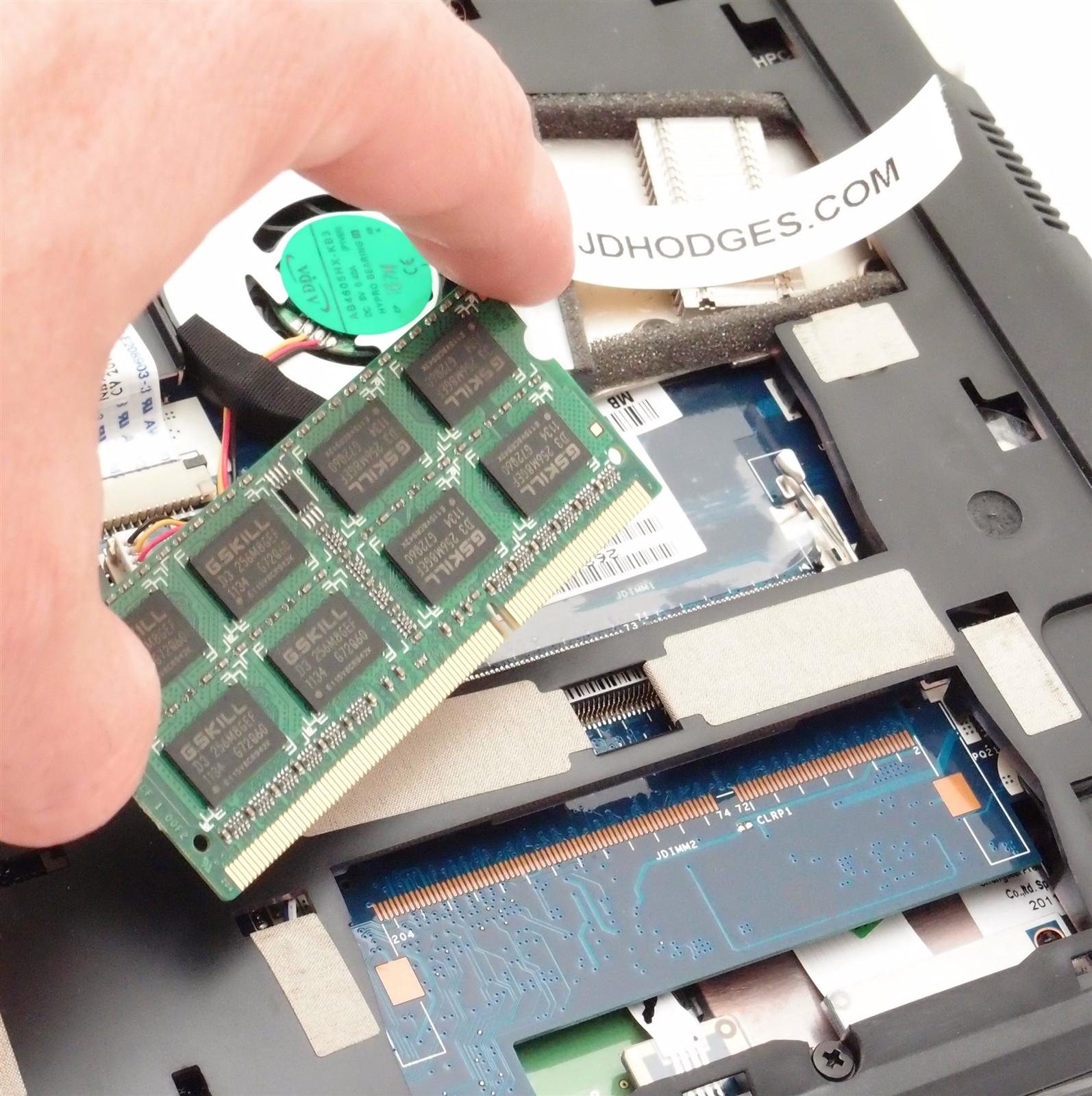
NOTE: you can also view all the entries in this Q & A series… I received the following question on my previous post about upgrading a Dell M4400 laptop: Q. Great J.D. Thank you. I also have an M4400. I purchased it a year or so ago so that I could have a portable solution as I explore 3D graphics programs such as 3DSMax etc…Based on your above post (and a few others) I have purchased a qx9300 quad core processor,

Duke Nukem Forever & AMD Dual Core Optimizer (on Intel!)

Recently I experienced some stuttering while playing DNF with my buddy Kevin. I tried adjusting the video settings to lower quality, yet I still experienced stutter and visual lag (not ping related). Eventually I narrowed the potential culprits to: #1 stuttering from a slow RAID1 hard drive setup that DNF/Steam was loaded on #2 AMD Dual Core Optimizer was installed by DNF/Steam even though I have an Intel CPU #3 the NVIDIA control panel being set for 3D acceleration to

Calculating aspect ratio for LCDs/monitors/projectors etc.

I’m working on a new project to compare computer monitors and especially for setting up ideal multi-monitor displays. The idea is to give you as much information as possible on all the monitors out there (using a database), or if your monitor is not in the DB then accept some basic info (diagonal width and resolution) to calculate all the information you need. So, a basic question for any monitor is: what is the aspect ratio? Here’s how to calculate the

Fixing Warning: date() [function.date] in PHP 5.3 [solved]

If you recently upgraded to a newer version of PHP, like PHP 5.3, you may be getting some errors similar to this in your PHP scripts: Warning: date() [function.date]: It is not safe to rely on the system’s timezone settings. You are *required* to use the date.timezone setting or the date_default_timezone_set() function. In case you used any of those methods and you are still getting this warning, you most likely misspelled the timezone identifier. We selected ‘America/Chicago’ for […]  instead

« Older Entries Recent Entries »