Gigabyte AORUS RTX 5090 AI BOX w/128GB Framework Desktop: Real-World AI Workstation Setup
Last year I was able to pick up a killer deal on a Gigabyte AORUS RTX 5090 AI BOX, an external GPU enclosure that packs a full desktop RTX 5090 (32GB GDDR7) into a compact box that connects over a single Thunderbolt 5 cable. My goal was to pair it with the Framework Desktop running AMD’s Ryzen AI Max+ 395 chip and see how well it worked as a portable AI workstation. Short answer: surprisingly well.
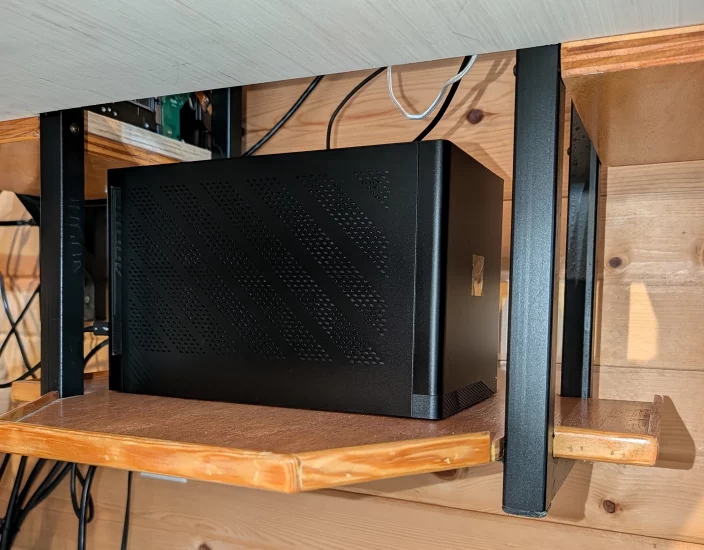
5090 eGPU that lives under the desk (sorry for all the cables!)
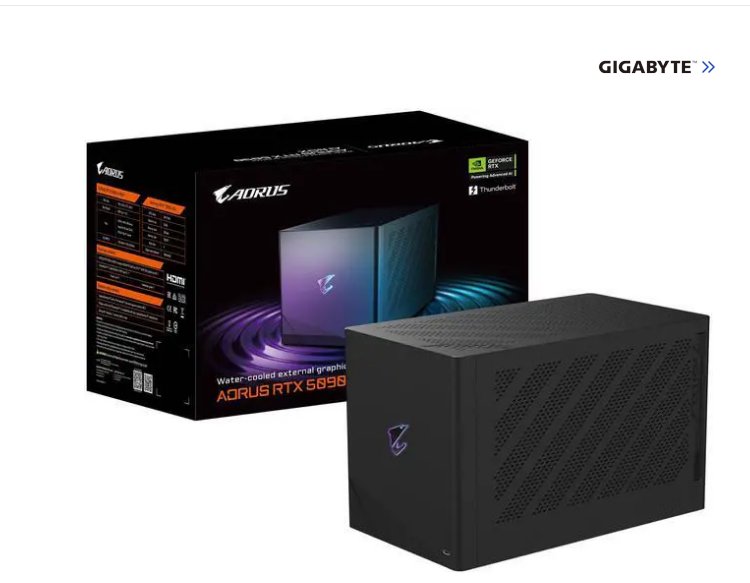
The Setup: Framework Desktop + AORUS AI BOX
The Framework Desktop with the Ryzen AI Max+ 395 is a unique machine. It has a massive integrated GPU (Radeon 8060S), a 50 TOPS NPU, and up to 128GB of unified system memory. That last part is a big deal: in Windows, you can allocate around 96GB as GPU-accessible VRAM while keeping 32GB for the system. On Linux, you can push that even further to around 120GB. For running local LLMs, that kind of VRAM pool is almost unheard of outside of server hardware. And we know right now both GPUs and RAM are super expensive so the Framework last year was a super bargain for what it can do IMHO.
The AORUS RTX 5090 AI BOX adds a full desktop RTX 5090 to the mix, with 32GB of dedicated GDDR7 VRAM and over 3,300 AI TOPS. The two connect over a single cable, and the result is a setup where you can offload larger models to the Framework’s huge unified memory pool while dedicating the 5090 to heavy workloads like image generation or large model inference.
Bandwidth Limitations?
Here is the one caveat worth understanding. The AORUS AI BOX is designed for Thunderbolt 5, which provides up to 80 Gbps of bandwidth. The Framework Desktop currently has USB4 ports, which top out at 40 Gbps. USB4 and Thunderbolt are generally compatible, so the AI BOX will connect and work, but at the slower USB4 speed.
Does that matter in practice? For the workloads I threw at it, primarily LLM inference, image generation, and even some gaming testing, the USB4 connection was fast enough. I never hit a situation where the link felt like the limiting factor. That said, if you are chasing absolute peak GPU performance and every frame matters, a native Thunderbolt 5 connection (or a direct PCIe link) would be faster and a non-eGPU is probably your best bet anyway. But for me, on most real-world AI and productivity work, USB4 gets the job done.
What I REALLY Liked About This Setup
The best part was the flexibility. One cable between the Framework Desktop and the AI BOX, and I had a full desktop-class GPU available. When I needed the GPU on a different machine, I unplugged it and moved it over. No opening cases, no swapping cards, no driver reinstalls. It just worked and was ridiculously plug and play! For decades the dream was one cable to do everything, and we are just about there folks!
The LLM synergy between the two devices was also genuinely useful. I could run a large language model on the Framework’s integrated AMD and its massive shared memory, while simultaneously running image generation or higher speed smaller models on the 5090. Two AI workloads, two separate memory pools, one desk. It’s kind of like the Genie in Aladdin: “Phenomenal cosmic power, itty-bitty living space!” Except in this case it’s “phenomenal cosmic power, very little power and space usage.”
Should You Buy This Combo?
If you already have or are considering a Framework Desktop with the AI Max+ 395, adding an AORUS RTX 5090 AI BOX gives you a genuinely capable AI workstation that you can set up and tear down with a single cable. The USB4 bandwidth is not ideal on paper, but in practice it handled everything I needed. For me both pieces of hardware were priced very low at the time and I am glad I purchased them. If prices continue to rise and availability is scarce, then there are probably more efficient solutions out there!
For now, it works, and it works well. Sometimes “fast enough for everything you throw at it” is exactly the right answer.
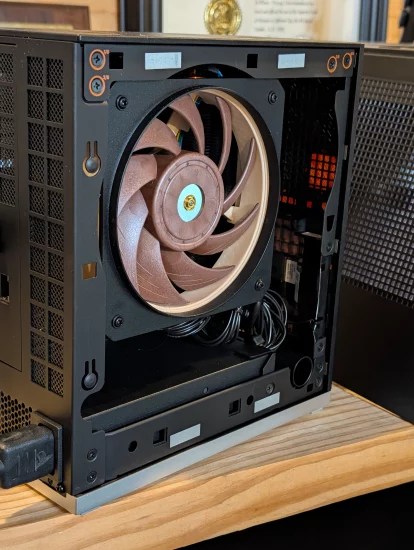
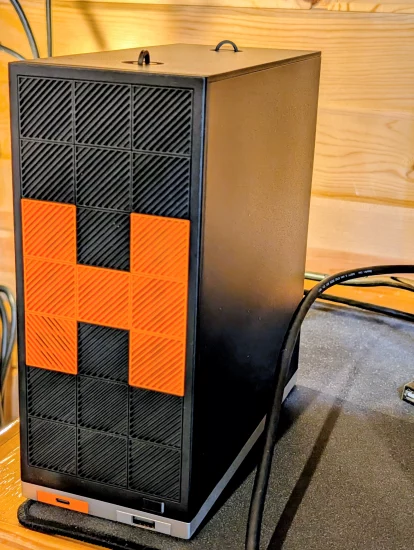
Have any questions about this crazy setup?! 😜 Feel free to ask in the comments below!