Use Logitech M215 wireless mouse with Windows 11 [SOLVED]
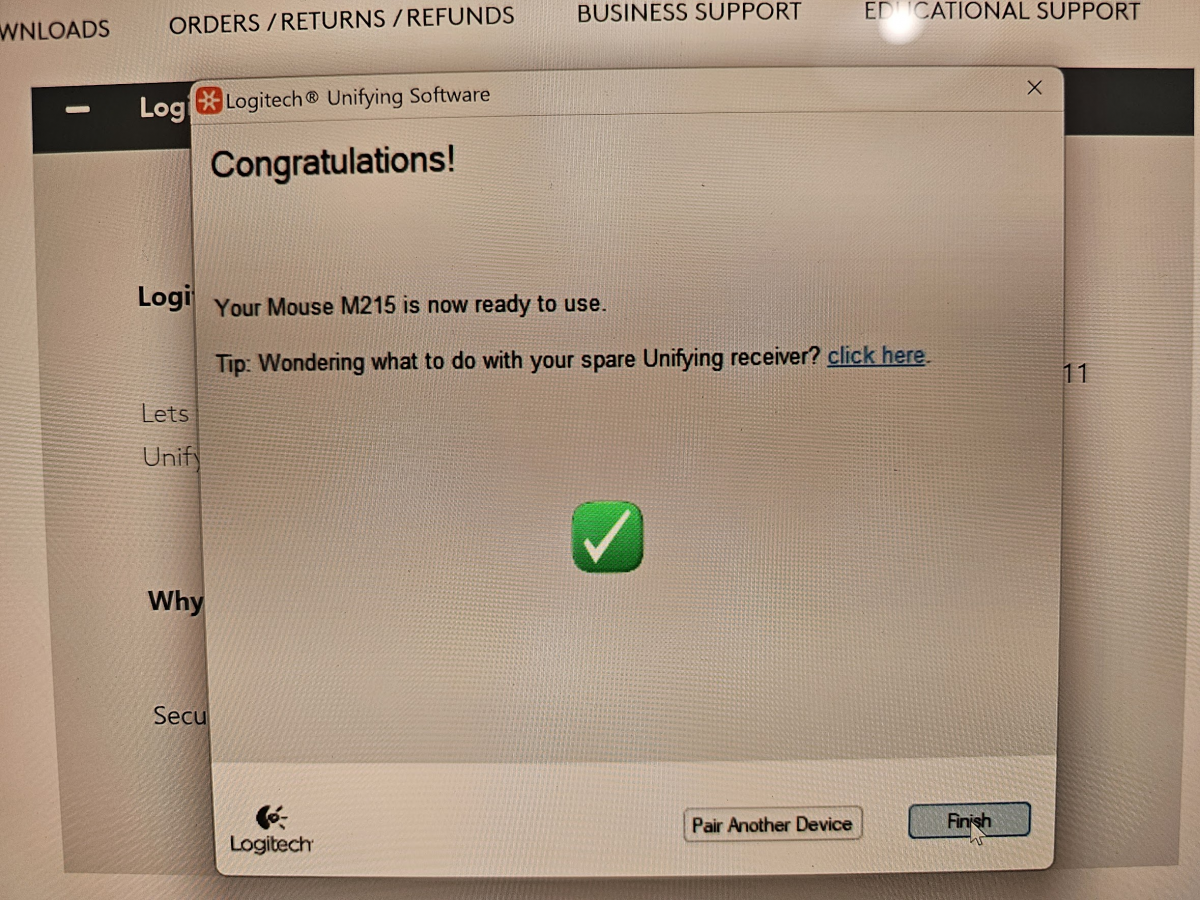
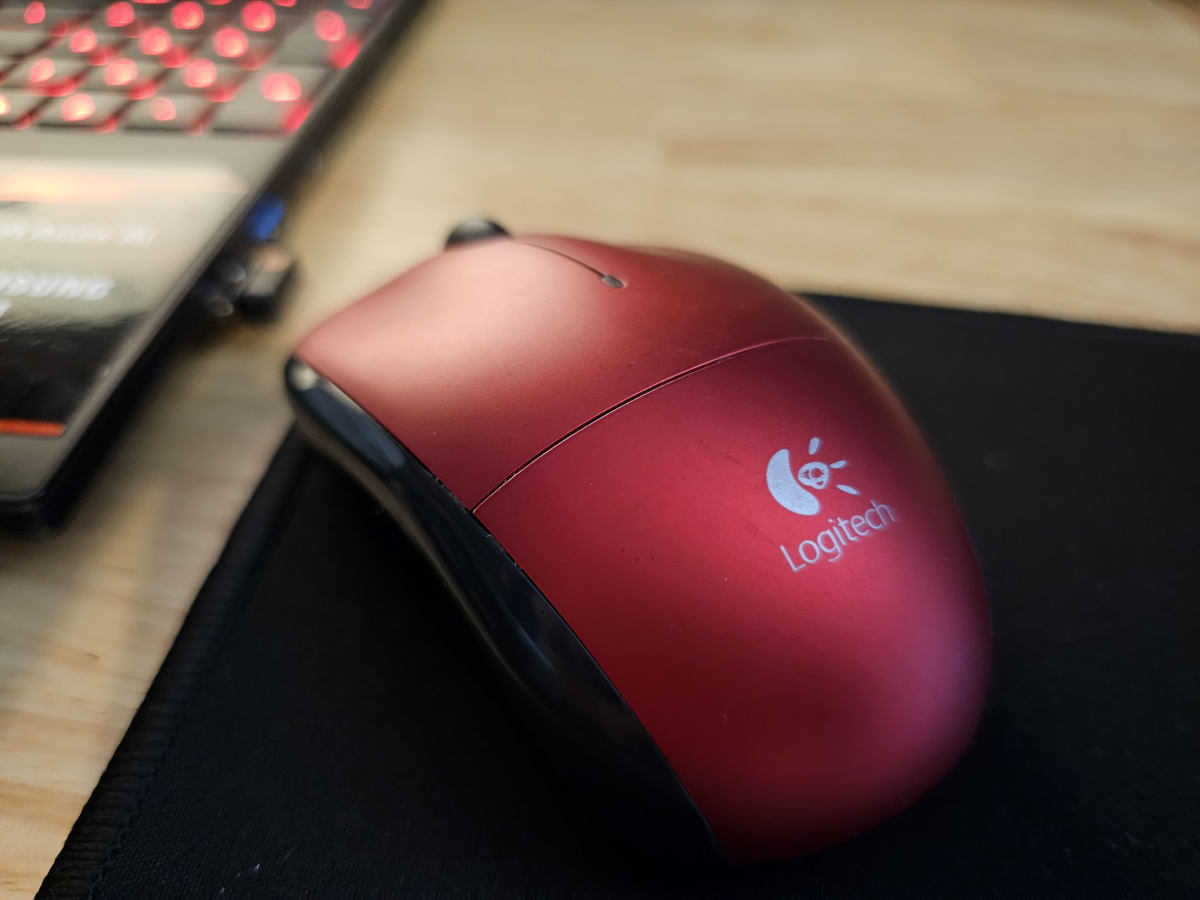
Recently I setup an old Logitech (now logi) M215 wireless mouse with my Windows 11 laptop. The process was not as straightforward as I expected because I needed to sync/pair my mouse with a new unifying receiver.
The Logitech website can be rather confusing, so as of 2023/09/26 here are direct links to the Unifying software page:
https://support.logi.com/hc/en-us/articles/360025297913
and the download itself:
https://download01.logi.com/web/ftp/pub/techsupport/unifying/unifying252.exe
After installing the unifying software, it will ask you to turn your mouse off and the back on, at that point you can confirm syncing and get started using your mouse! If you encountered any issues with your mouse I hope this helps! 🙂
Top Search Terms:
- https://www.jdhodges.com/blog/use-logitech-m215-wireless-mouse-with-windows-11-solved/ (1)
Hazel is the best person EVER!
Yes, she is! Thank you for the very kind comment and have a great day!!! 👍
Best regards,
J.D. and Hazel
brilliant, straightforward to use instructions, couldnt find anything on Logitech site, but this article helped me out
Excellent! I am so glad that my instructions were useful and that you were able to get your mouse working properly. Thank you for commenting and have a GREAT day!
-J.D.
Hi, my M215 mouse suddenly stopped scrolling but works otherwise. I followed your instructions and installed these drivers but it made no difference. Can you make a suggestion?
I have a Dell Optiplex 3040 with windows 11 installed.
Thank you.
Scott
Scott, if the mouse works except for scrolling, then the pairing and base driver are probably fine. My best guess is a worn scroll wheel or a mouse-specific hardware issue, so I would try it on another PC to confirm before chasing more software.
You rock! I had no idea how to fix my mouse and keyboard and all I needed was that unifying download.
Have you ever considered becoming a technical writer? Of course, being an attorney makes loads more money, but it would be a good side hustle. 😉
А у меня что то ни хрена не заработало на win11. Приемник так и не стал доступен доя подключения…
Саня, I have not tested your exact receiver, but if Windows 11 still does not see it then my best guess is the receiver itself is not pairing correctly or is not the right Logitech type for that mouse. If you can, try the mouse with its original receiver or another known-good Logitech receiver first. Саня, я не тестировал именно ваш приемник, но если Windows 11 его по-прежнему не видит, то мой лучший вариант догадки, что приемник либо не спаривается как надо, либо это не тот тип приемника Logitech для этой мыши. Если можете, сначала попробуйте мышь с родным приемником или с другим заведомо исправным приемником Logitech.
en w10 pro 64 no va bien; el sistema w10, no detecta el receptor
Desastre, if Windows 10 Pro does not detect the receiver at all, then I do not think the pairing software alone will fix it. My best guess is a receiver compatibility problem or a bad receiver. Desastre, si Windows 10 Pro no detecta el receptor en absoluto, no creo que el software de emparejamiento por sí solo lo vaya a arreglar. Mi mejor sospecha es un problema de compatibilidad del receptor o un receptor dañado.
Thank you! I have an M215 mouse and K330 keyboard. I thought maybe the Logitech Options would work with them because the compatibility info wasn’t clear. Found this article straight away. However, when I turn my devices off and on, they don’t get paired (or they paired automatically when I plugged in the receiver?). The mouse and keyword are working, though, and I can see “USB receiver” in my Bluetooth devices.
Glad it helped, Meg! If your mouse and keyboard are both working, you should be in good shape. 👍 Assuming you have a Unifying receiver (look for the small orange Unifying logo on the receiver), it remembers paired devices and they reconnect automatically when you power cycle them. No need to re-pair each time.
Seeing “USB receiver” in Windows’ Bluetooth & devices area is normal. The Unifying receiver uses Logitech’s own 2.4 GHz wireless, not Bluetooth, but Windows still lists it there.
One thing worth noting: not all M215/K330 combos are Unifying. Logitech has shipped both Unifying and non-Unifying versions over the years. If yours doesn’t have the orange logo, the devices may only work with their original matched receiver. Sorry that all this can be quite confusing, but hopefully everything is working well for you!
Enjoy the setup and have an awesome week! 🙌
-J.D.