Use Logitech M215 wireless mouse with Windows 11 [SOLVED]
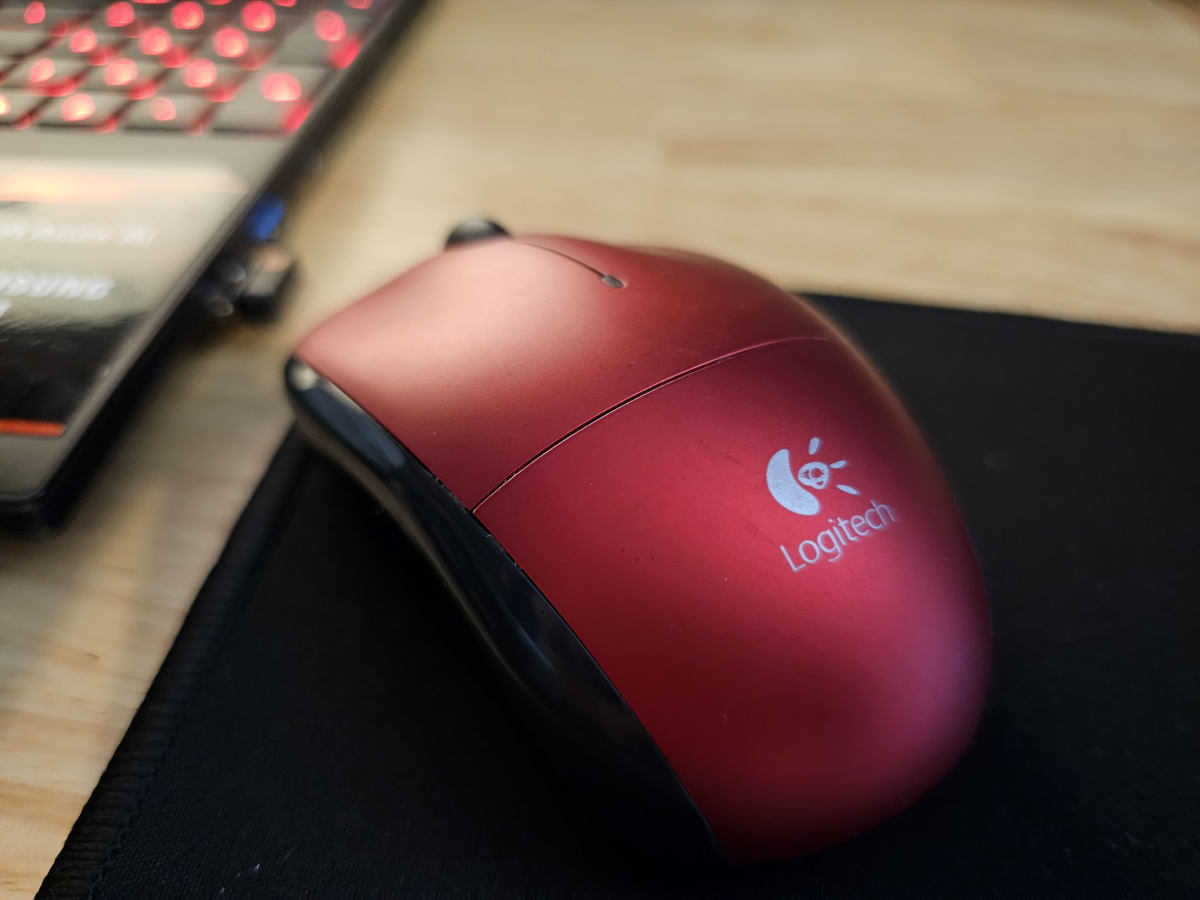
Recently I setup an old Logitech (now logi) M215 wireless mouse with my Windows 11 laptop. The process was not as straightforward as I expected because I needed to sync/pair my mouse with a new unifying receiver.
The Logitech website can be rather confusing, so as of 2023/09/26 here are direct links to the Unifying software page:
https://support.logi.com/hc/en-us/articles/360025297913
and the download itself:
https://download01.logi.com/web/ftp/pub/techsupport/unifying/unifying252.exe
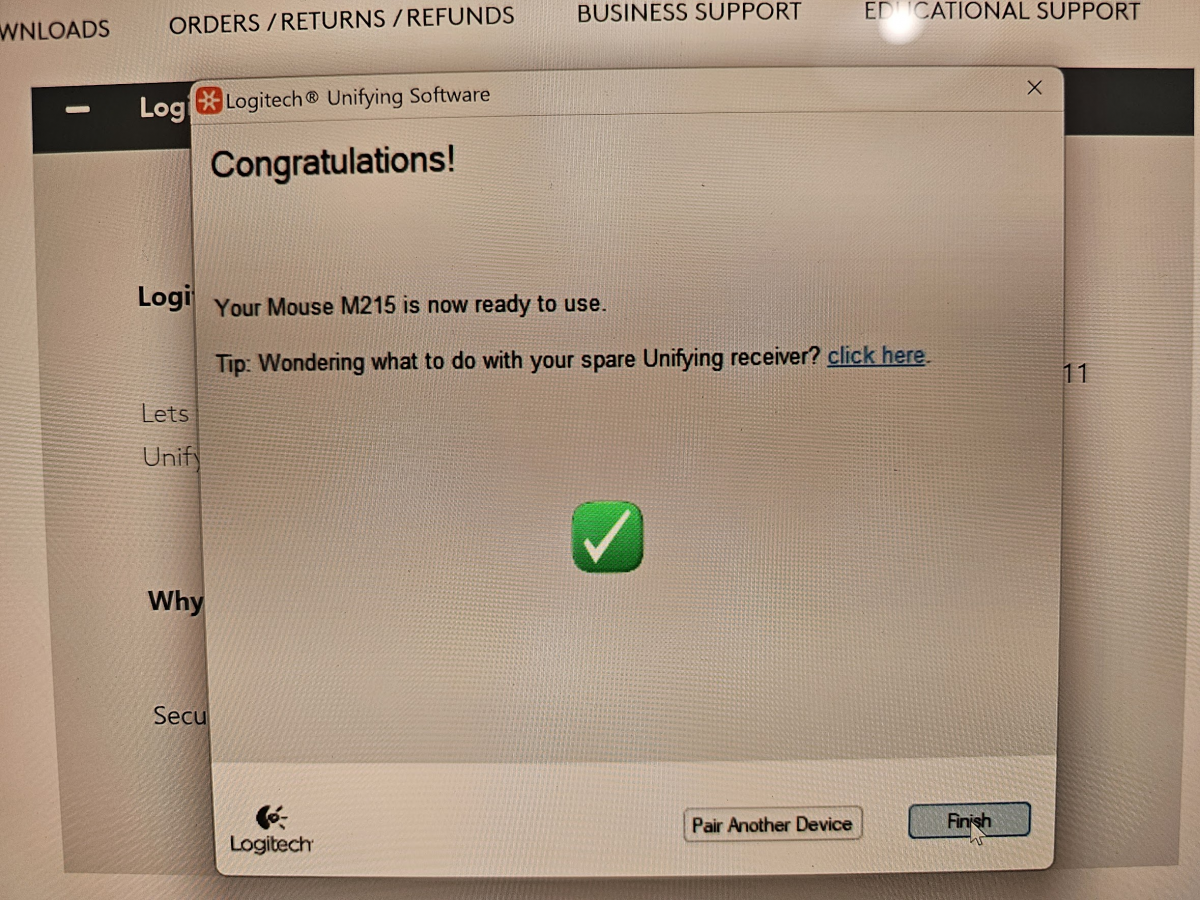
After installing the unifying software, it will ask you to turn your mouse off and the back on, at that point you can confirm syncing and get started using your mouse! If you encountered any issues with your mouse I hope this helps! 🙂
Top Search Terms:
- https://www.jdhodges.com/blog/use-logitech-m215-wireless-mouse-with-windows-11-solved/ (1)
Hazel is the best person EVER!
Yes, she is! Thank you for the very kind comment and have a great day!!! 👍
Best regards,
J.D. and Hazel
brilliant, straightforward to use instructions, couldnt find anything on Logitech site, but this article helped me out
Excellent! I am so glad that my instructions were useful and that you were able to get your mouse working properly. Thank you for commenting and have a GREAT day!
-J.D.
Thank you! I have an M215 mouse and K330 keyboard. I thought maybe the Logitech Options would work with them because the compatibility info wasn’t clear. Found this article straight away. However, when I turn my devices off and on, they don’t get paired (or they paired automatically when I plugged in the receiver?). The mouse and keyword are working, though, and I can see “USB receiver” in my Bluetooth devices.
Glad it helped, Meg! If your mouse and keyboard are both working, you should be in good shape. 👍 Assuming you have a Unifying receiver (look for the small orange Unifying logo on the receiver), it remembers paired devices and they reconnect automatically when you power cycle them. No need to re-pair each time.
Seeing “USB receiver” in Windows’ Bluetooth & devices area is normal. The Unifying receiver uses Logitech’s own 2.4 GHz wireless, not Bluetooth, but Windows still lists it there.
One thing worth noting: not all M215/K330 combos are Unifying. Logitech has shipped both Unifying and non-Unifying versions over the years. If yours doesn’t have the orange logo, the devices may only work with their original matched receiver. Sorry that all this can be quite confusing, but hopefully everything is working well for you!
Enjoy the setup and have an awesome week! 🙌
-J.D.