FileZilla message windows font size TINY [solved]
If your FileZilla fonts are TINY when using Windows 10, like this:
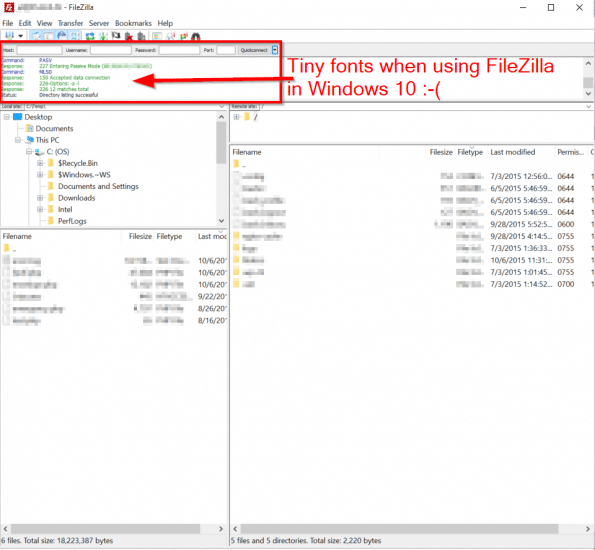
Tiny font sizes in FileZilla 🙁
Then here are the steps to resolve the font size issue:
#1 Go to:
Control Panel\Appearance and Personalization\Display -> Change only the text size
#2 Adjust the various font sizes to your liking
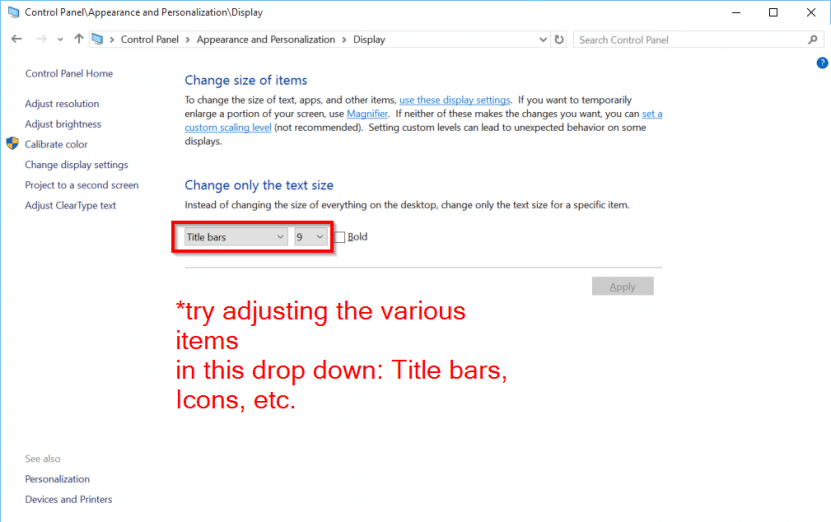
Adjust the font sizes here!
#3 For the FileZilla message font to also be updated, you may need to upgrade to the latest version of FileZilla*
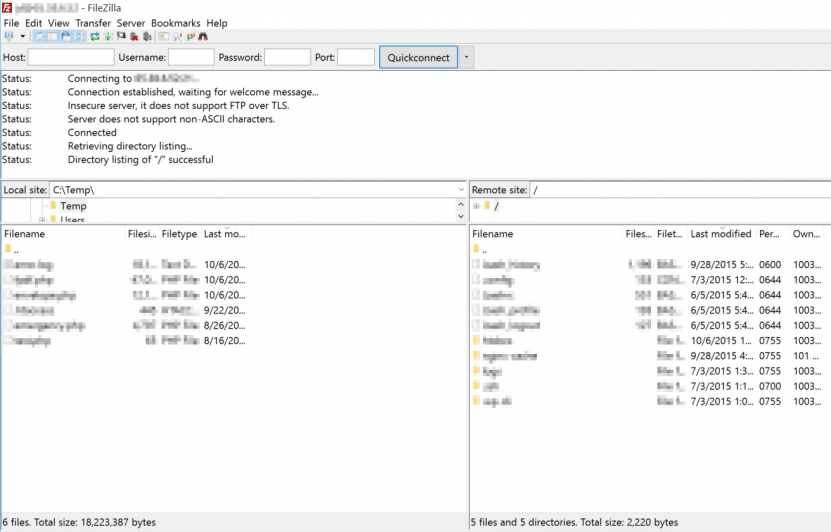
Larger fonts, woot!
*Until I upgraded my FileZilla version (mine was OLD) the changes to Windows 10 font settings were not affecting my FileZilla message window. After the upgrade, the font changes were immediately utilized. Woot.
Top Search Terms:
- can you change font size on filezilla (1)
- filezilla font size (1)
- filezilla server font (1)
- font size in filezilla (1)
I can’t find the “Display” option in the Appearance and Personalization\ menu. what do I do??
Hey David, the ‘Display’ option path changed in newer versions of Windows 10. Instead of going through Appearance and Personalization, try right-clicking the desktop and choosing ‘Display settings’, then look for ‘Scale and layout’ to adjust text size. Alternatively, in newer Windows 10 builds you can search for ‘Make text bigger’ in the Start menu to get directly to the accessibility text size slider.