Category Archives: Computers

Acer Aspire One AO722/AO725 8GB memory upgrade, recommended RAM? [ANSWER]
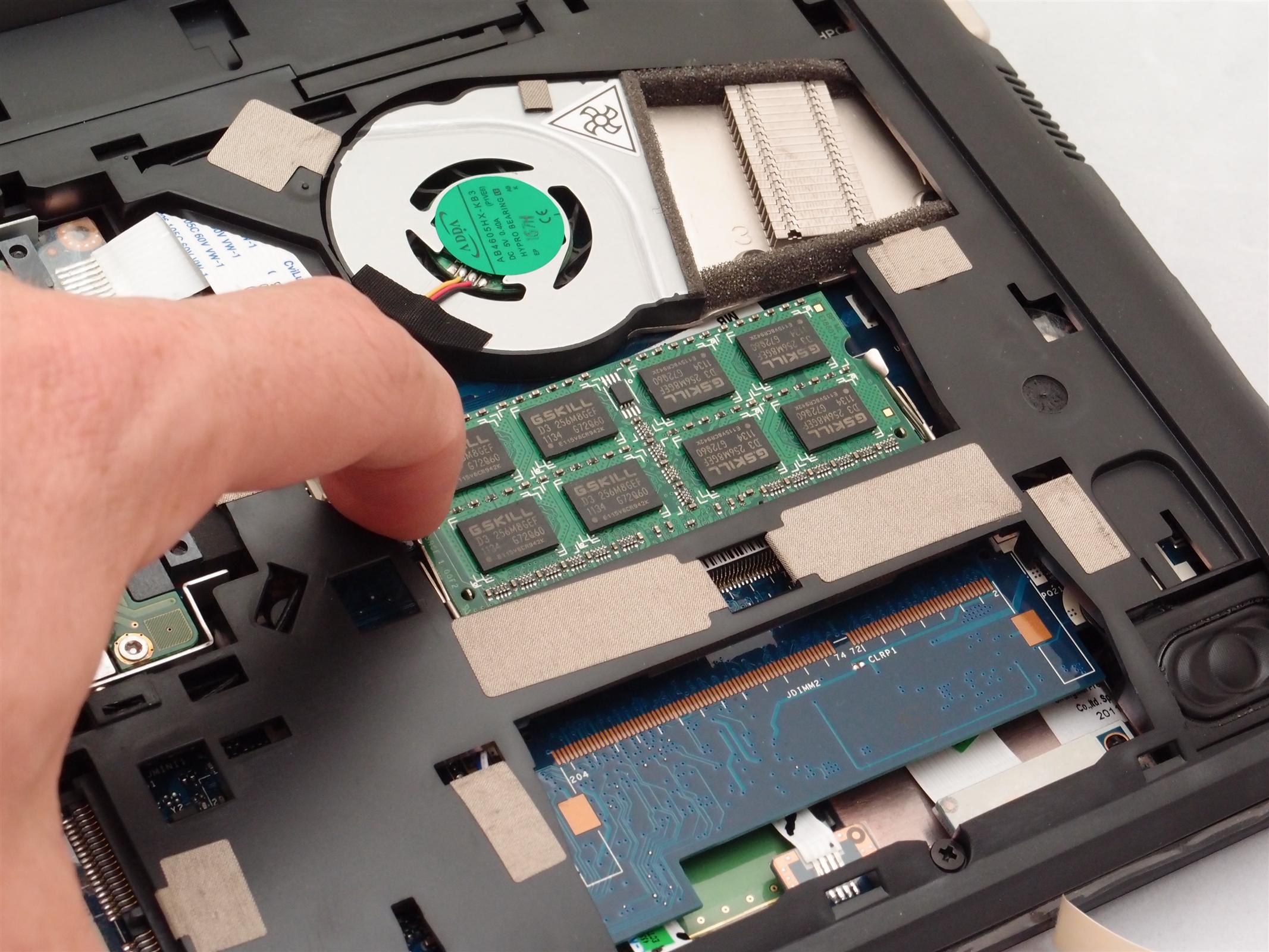
Q.Ā I am looking at buying either an Acer Aspire One 722 or 725. Do either the AO722 and AO725 support 8GB of RAM? and if so, what is a memory module that is FOR SURE supported? Ā  –Carly A. Hi Carly, here are answers to both your questions: Yes, the AO722 and AO725 support 8GB of memory! Here is a nice Corsair 8GB memory moduleĀ that is confirmed to work in the AO722/AO725 and right now it is only about $39.50

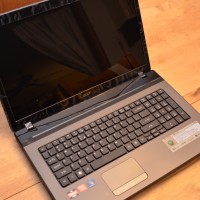
Acer Aspire V3-771G Review

Basic specs: Pros: Supports 32GB of RAM! via four available DDR3 memory connectors Supports dual hard drives PLUS an mSATA SSD! Simple access to most components for easy upgrades Fast CPU Fast GPU (for the price) Runs fairly cool Fan isn’t super loud (even under intense use) Nice port selection Cons: Glossy display Very poor vertical viewing angles Speakers distort at high volume and generally don’t sound that good Keyboard is not backlit Trackpad and buttons are merely ‘okay’ Loads

Dell Vostro V131 Review

NOTE: This is a first draft / outline. The review will be updated with more info and photos… Startup time and hard drive Slow startup with conventional hard drive and a bit of bloatware (trend micro, Dell utilities) Hard drive space from factory:Ā 262GB free of 283GB Cooling and fan noise It has one dinky little cooling fan. Small fan = has to spin fast. So when the fan kicks in you really notice it. Thankfully, the fan is not on

Acer Aspire AS7560 review

Here are my impressions of the Acer Aspire AS7560 laptop: Pros: Decent keyboard, WITH full numpad Supports TWO hard drives… dual hard drive support is quite rare in a machine this inexpensive Responsive trackpad with good two finger scrolling Easy upgrading. Loosening a few screws allows for access to two DDR3 RAM slots and two SATA hard drive bays. Cons: Occasional CPU noise even during relatively low load situations CPU cooling fanis audible during program loading (even FireFox etc.) then

Razer Blade 17″ gaming laptop review

The Razer BladeĀ laptop is one of the most intriguing ‘gaming’ laptops to come along in quite a while. There have been a lot of “hands on” previews posted since the laptop was announced but only recently have real reviews stared to come online. As I find real reviews I will be posting them here along with some comments: Razer Blade review — Engadgethttp://www.engadget.com/2012/02/22/razer-blade-review/Type Gaming Screen size 17.3 inches Screen resolution 1920 x 1080 Processor speed 2.8 GHz System RAM 8

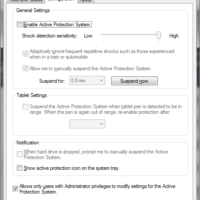
Tip: shock protection unnecessary if you have a SSD!

The Lenovo X220 ThinkPad, as well as many Dell & HP laptops, ship with a form of anti-shock protection enabled by default. This is great if your laptop has a conventional hard drive that can be easily damaged by a fall or drop. The laptop is smart enough to pause disk activity and ‘park’ the head (or other similar techniques) to prevent disk damage. However, if your laptop is exclusively using a SSD (solid state drive) then that protection is

7mm SSD list / 7mm HD list

UPDATE 2012.05.30: added a list of 7mm SSD and 7mm HDD at the end of this post… The most-excellent Lenovo Thinkpad X220 laptop supports a rather odd thickness for its hard drive/SSD: 7mm This is unusual sinceĀ most laptop drives are 9.5mm and some are fatties coming in at 12mm or 12.5mm. However, the 7mm thin drives are likely to become more and more common as Ultrabooks and other similar devices require thinner drives to maintain their low profile šŸ™‚ So,

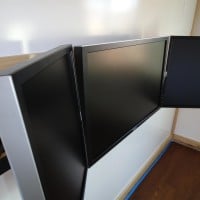
Ultimate triple monitor setup (for work, not particularly for gaming)

While preparing to redo my office, I am planning the “ultimate” LCD monitor setup. Let me clarify that I mean ultimate for my purposes: server management (RDP/SSH/etc.), email, spreadsheets, some image editing, minimal gaming. This is not ultimate in the gaming sense nor is it going to be as wild as some of the setups I have blogged about! UPDATE: 2011.11.01 [end update] Currently I am Ā using aĀ Dell M6500 docked with a dual monitor setup: 30″ Dell 3007WFP – I

« Older Entries Recent Entries »