Category Archives: tech tips

How to sideload Android apps onto the Kindle Fire & Nook Tablet

Thank goodness both of the hottest new 7″ tablets support side loading Android apps onto the devices! There are a LOT of tutorials out there, some of them pretty complicated, so here are the TWO best sideloading tutorials I have found… Sideloading for the B&N Nook Tablet:   How to sideload apps on the NOOK Tablet (Amazon Appstore, GO Launcher EX) – Liliputinghttp://liliputing.com/2011/11/how-to-sideload-apps-on-the-nook-tablet-amazon-appstore-go-launcher-ex.htmlFortunately it’s pretty easy to install third party apps on the NOOK Tablet. You don’t even need to

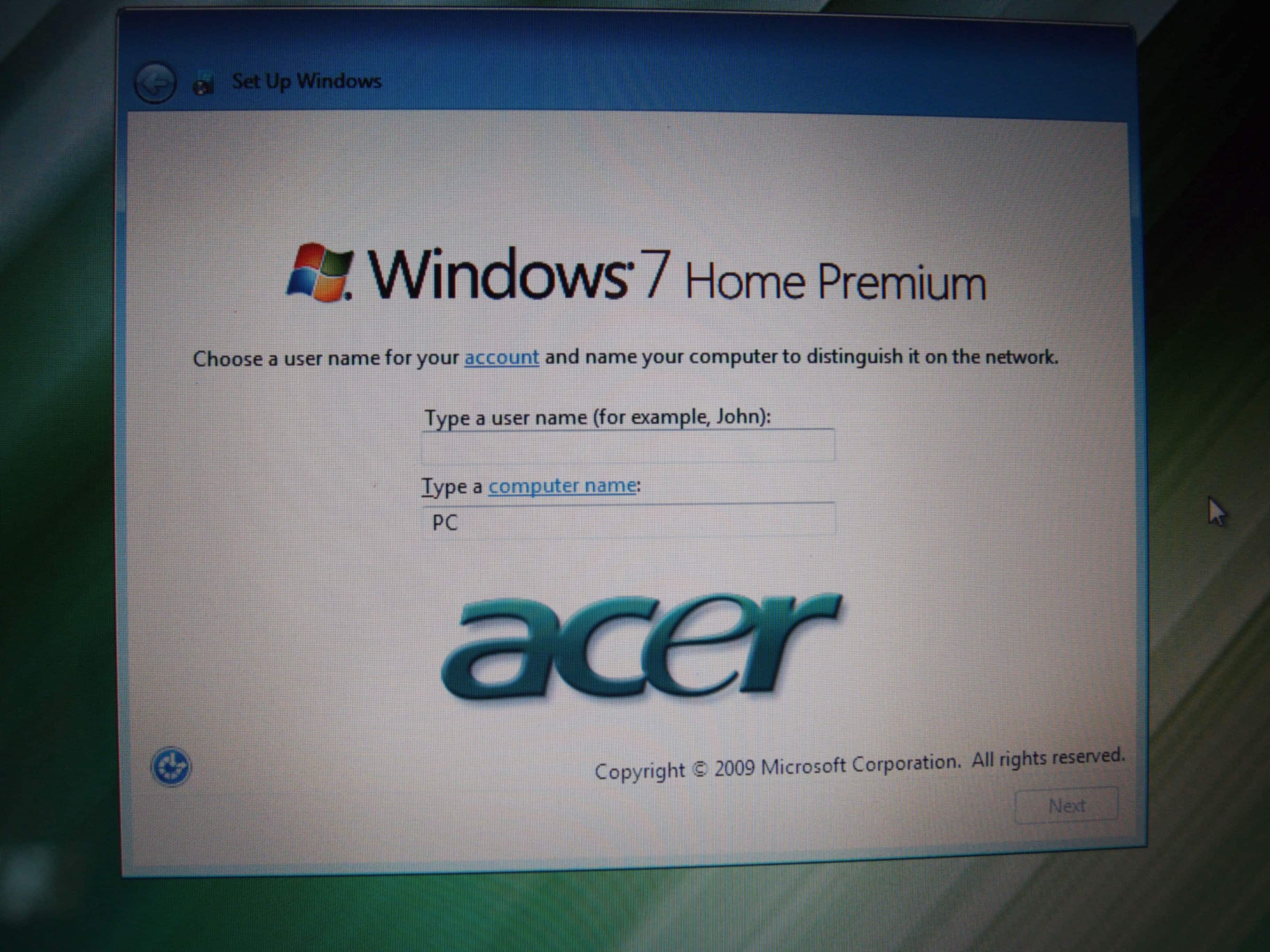
[SOLVED] Shut down Windows 7 at “Set Up Windows” screen, without error?

Q. Hi, I am selling a new laptop after upgrading the RAM. It has a factory fresh install of Windows 7 on it. I booted it up once to make sure the RAM was recognized and now I am stuck at the creating a user name and computer name screen on the Windows 7 setup 🙁 If I power off the system the purchaser will get an error message the first time the notebook boots up saying Windows did not shutdown properly…

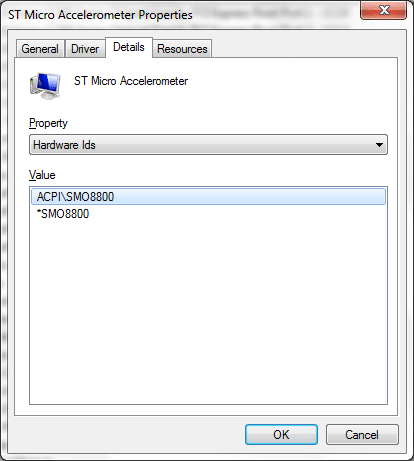
ACPI\SMO8800 Dell [SOLVED]

Q. Hello, I have a Dell laptop and I just reinstalled Windows 7 Ultimate x64 on it. Now I have an unknown device ‘ACPI\SMO8800’ in device manager. What driver can I download to fix it? A. Here are the download links for the driver that should solve your ACPI\SMO8800 Unknown Device issue: [download id=”10460″ format=”1″], Dell dl link NOTE: The driver is for your Dell laptop’s ST Microelectronics Free Fall Sensor (accelerometer), it is what shows up as Unknown Device ACPI\SMO8800 🙂 More

Patriot Box Office shows preview but won’t play movie! [solved]

Q. Hiya, I got a patriot box office and it shows the preview of my MKV movie. But then when I hit play button on the remote the PBO just locks up and shows a blank black screen. Can you help??? -MovieFan A. Good news, you may just need a firmware update!  Please go to this page and download the latest firmware for your PBO: PBO Firmware Releaseshttp://www.patriotmemory.com/forums/showthread.php?2131-Update-04-04-2011-PBO-Firmware-ReleasesUpdate 04/04/2011: PBO Firmware Releases -Firmware System Revision update Procedure- *To check which

Multi-download login from rapidshare, filesonic, megaupload etc. review

You have probably encountered the slow speeds and cumbersome login steps required if you ever use sites like rapidshare, filesonic, megaupload etc. to upload or download files. To bypass all those hurdles one option is buy premium memberships at each of those sites. However, this can be very expensive if you buy a membership at every site! A relatively new phenomenon in this area is the multi-site “one stop” premium subscription service. There is not a definitive name yet for this category

How to disconnect Amazon from Facebook [solved]

Recently I tried to send an Amazon Kindle gift card to a friend via Facebook. I did this because I did not have their current email address. To send it via Facebook I was required to “connect” my Amazon account with my Facebook account. After I did so, the gift card failed to send and so I subsequently wanted to disconnect my Amazon account from my Facebook account (and I just printed the gift card and gave it to my friend in

What is the latest Kindle firmware version? [answer] for all generations

Q. Hiya. I see on my Kindle “Settings->Device Info” screen that my Kindle has “Software Version” Kindle 2.5.5 Is there a later firmware version for my Kindle?! Thx in advance. A. Yes! There are later firmware versions available.  The LATEST version depends on which Kindle you have. Judging from the info you provided, you have either a 2nd gen Kindle or a Kindle DX so version 2.5.8 is the latest version for your devices. Also here is the latest firmware

Info on the dreaded “not charging” iPad and iPad 2 screen + solutions

Simple tips for charging the iPad via USB | Digiupdateshttp://digiupdates.com/2011/simple-tips-for-charging-the-ipad-via-usb/What we found in all of our test is that although the iPad might say “not charging€ on the display, in reality, juice is still trickling to it and the iPad is in actuality still charging; albeit at a slower rate. No wonder: The iPad is designed to charge from the 10-watt wall adapter it comes bundled with, but many USB ports supply only 2.5 watts (5 volts at 500ma). As

« Older Entries Recent Entries »