Category Archives: computer tips

Upgrade ASUS N56VM/N56VZ SSD & RAM
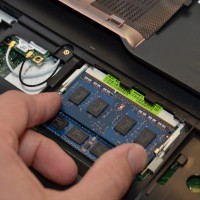
If you have a nice ASUS N56VM or N56VZ series laptop you may be wondering how to upgrade it for maximum performance. So here is a photo tutorial on how to upgrade the RAM on these particular ASUS laptops. You can also see get a feel for how to remove the hard drive & upgrade to an SSD as well as seeing the location of the wifi card. NOTE: A number of people have asked what memory and SSD I
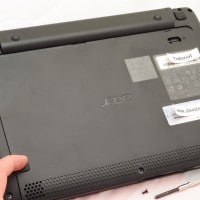
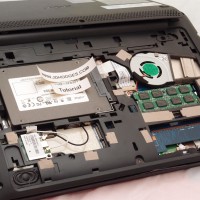
Acer Aspire One 722 Performance Upgrades

If you have the lovely little AO722 netbook you may be looking for some simple and cheap upgrades. Here are my top upgrades for the AO722: Upgrade the RAM to 4GB for $20 or even 8GB for less than $40! Upgrade the HDD to a high performance SSD for less than $100 Add bluetooth by upgrading the wifi card to a combo wifi + bluetooth card for about $20 Add a Huawei 3G data card in the extra mini pci-e slot The AMD

Add bluetooth to the Acer Aspire One 722

If you would like to add bluetooth to your AO722, there are a couple easy (and pretty cheap) options: #1 Compact USB bluetooth adapter These are about $20 with free shipping at Amazon and this particular model has 600 reviews and an average rating of 4.5 stars The dongle is small enough that you can just leave it plugged into a free USB port Installation consists of simply plugging the adapter into your USB and installing the driver, if you hit

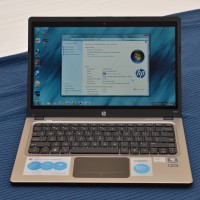
HP Folio 13 Review

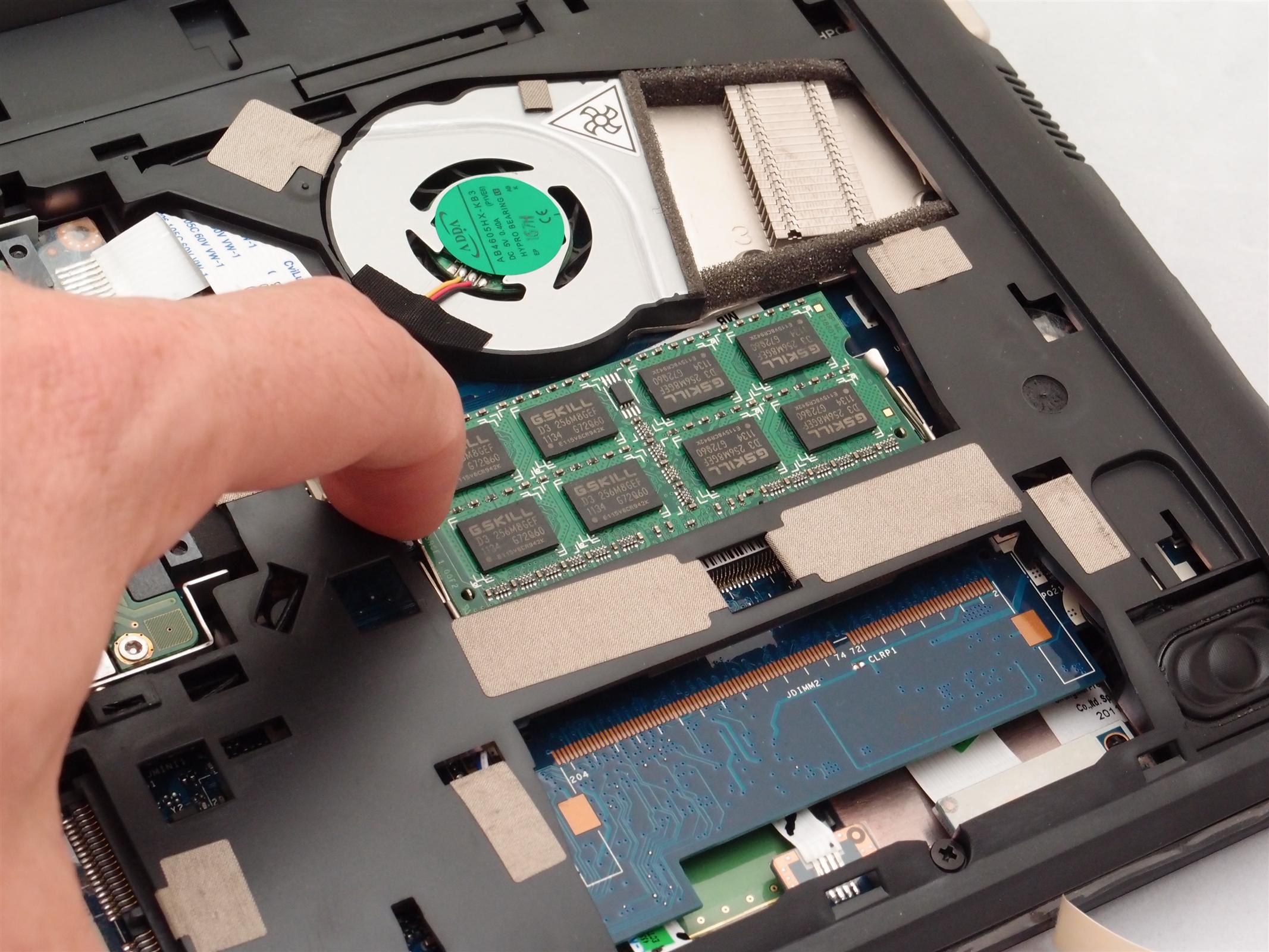
Model: Folio 13-1029wm Notebook PC Pros: Very reasonable price at $498 Very nice size and weight Good looks Solid build quality Fairly good display quality Bright backlit keyboard Excellent battery life (6-7 hours) Cons: Difficult to upgrade the RAM or replace the SSD Up/down arrow keys are combined with Page up / Page down and are MUCH too small The cooling fan is on quite often and is rather noisy when you have the laptop on your lap Glossy ‘glare’

Acer Aspire One AO722/AO725 8GB memory upgrade, recommended RAM? [ANSWER]

Q. I am looking at buying either an Acer Aspire One 722 or 725. Do either the AO722 and AO725 support 8GB of RAM? and if so, what is a memory module that is FOR SURE supported?   –Carly A. Hi Carly, here are answers to both your questions: Yes, the AO722 and AO725 support 8GB of memory! Here is a nice Corsair 8GB memory module that is confirmed to work in the AO722/AO725 and right now it is only about $39.50

Acer Aspire V3-771G Review

Basic specs: Pros: Supports 32GB of RAM! via four available DDR3 memory connectors Supports dual hard drives PLUS an mSATA SSD! Simple access to most components for easy upgrades Fast CPU Fast GPU (for the price) Runs fairly cool Fan isn’t super loud (even under intense use) Nice port selection Cons: Glossy display Very poor vertical viewing angles Speakers distort at high volume and generally don’t sound that good Keyboard is not backlit Trackpad and buttons are merely ‘okay’ Loads

Load balancing two network connections on Windows 7

Commenter Rafael posted a link to this Windows 7 load balancer that he wrote: dextervip/load-balancer · GitHubhttps://github.com/dextervip/load-balancerREADME.md Simple Load Balancer for Windows 7 This is a script python which works switching network card metrics (see http://support.microsoft.com/kb/315088 and… It looks cool and when I get some free time I hope to test the load balancing performance  🙂   Top Search Terms:windows 7 load balance two network connections (7)load balancer for windows 7 (3)load+balancing+two+internet+connections+windows+7 (3)load balancing windows 7 (3)free network load balancer

Best small form factor slim PC for less than $500? (late 2012)

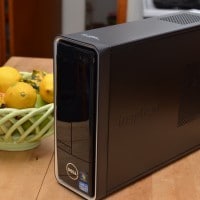
With all the lovely ultrabooks and super-powerful phones out there today, is is surprisingly hard to find diminutive-yet-powerful PCs at a reasonable price. We’re talking at least Core i3 and preferably i5, with the capability to have 8GB+ of memory, mSATA + 2.5″ SATA storage options, dual video out (at least Intel HD4000 or faster) and a small footprint. Ideally: under $500 and easily upgradeable with industry standard parts. UPDATE: We ended up purchasing a Dell 660s from Amazon. We also put

« Older Entries Recent Entries »