Minimize all windows/apps in Mac OSX Lion [solved]
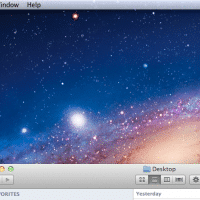
Q. How do I quickly minimize all runnings apps/windows and show the Mac OSX desktop?! A. The best way I know of is to press the F11 key (or Fn+F11 on some MacBook keyboards…) this should push all your apps out of the way and show the desktop. To get your apps back in place, just press F11 again! PS another method is to command+option+click on the desktop, (or instead of Desktop, a Finder window, or the Finder icon in the dock).