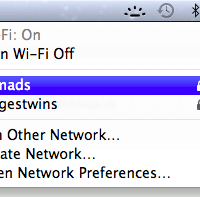
Q. My MBA keeps dropping wifi connections, especially when coming up from sleep… it is weird because it prompts me to reenter my WPA2 password every time it does this but even after entering the password it can’t connect! Can you help? A. I have a MBA that exhibited similar issues, so far the best [...]
I was dismayed when my new MacBook’s backlit keyboard turned off without any warning. Apparently Apple feels it knows best when the kb backlight should be on and off. This auto-off behavior was a bit of a bummer to me after many Dell and HP laptops which feature fully user controllable backlit keyboards. Thankfully “Lab Tick” is [...]
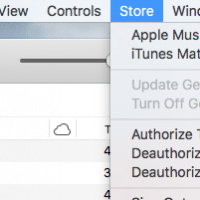
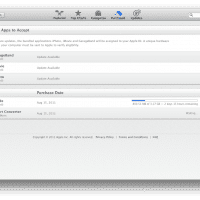
I was downloading the latest iOS SDK from the Mac App Store and initially I could not find the download status. Eventually I found one way to do so, go to the “Purchased” section of the app store and you should be able to view the download progress! I realize it is pretty obvious once [...]
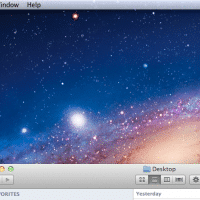
Q. How do I quickly minimize all runnings apps/windows and show the Mac OSX desktop?! A. The best way I know of is to press the F11 key (or Fn+F11 on some MacBook keyboards…) this should push all your apps out of the way and show the desktop. To get your apps back in place, just [...]
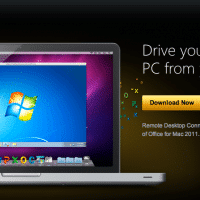
UPDATE: 2013.03.10 adding a new desktop client to the list as well as info for iOS and Android RDP clients. UPDATE: 2012.04.05 added more info regarding certificate errors (and ignoring them!) This week I have been using OSX alongside Windows. I quickly realized that I needed a good remote desktop connection (terminal server) client for Mac [...]
Well, I bought a Mac. Specifically a MacBook Air 11.6″ notebook. It is the best ultralight travel computer I could find. I had known the MacBook Airs were good little computers for quite some time, but after they did away with the backlit keyboard a while back I scratched them off of my “short list” [...]
Recent Comments