How to Remove McAfee WebAdvisor and That Popup on Windows
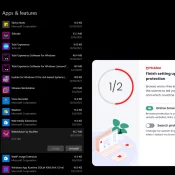
TL;DR: To remove McAfee WebAdvisor, uninstall “WebAdvisor by McAfee” from Settings > Apps & features. You have to SCROLL to find it b/c the “Find a setting” search does not filter the app list. Click through the “we’ll miss you” retention popup and you’re done. I just use Windows Defender as it is much less obtrusive and generally very capable. I booted my Lenovo Legion 7 (16ACHG6) for the first time in a while and was greeted with this not