Open WebUI Web Search Not Working? It’s Off By Default (and how to fix it!)
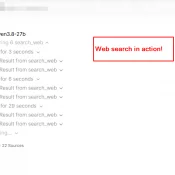
Summary: Open WebUI ships web search off, and there are two separate ways to turn it on. For one chat: click the four-diamond Integrations icon right of the + and flip Web Search on. For every chat: Settings > Interface > Web Search in Chat, set it to Always, then Save.(not Admin Settings, which is where I looked first) Verified on Open WebUI 0.11.0, August 21 2026. Option 1: Turn It On For One Chat Here’s the whole message box.