Tag Archives: anthropic

Claude Reached Its Tool-Use Limit for This Turn: What It Means and How to Fix It

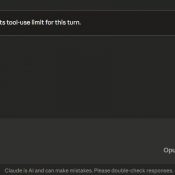
TL;DR: This message means Claude hit its per-turn cap on tool calls (around 10-20 actions like web searches, file reads, or connected service requests). Click “Continue” and it picks up right where it left off. No work is lost. 👍 What Does “Claude Reached Its Tool-Use Limit” Mean? If you use Claude with any connected tools (Gmail, Google Drive, web search, MCP servers, code execution, etc.) you may have seen this banner pop up mid-conversation: “Claude reached its tool-use limit

How to Drag Files into Claude Code in VS Code (Paste with Context)

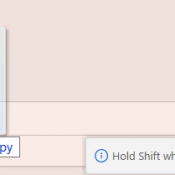
TL;DR: In the Claude Code VS Code extension, hold Shift while dragging a file from the Explorer panel into the Claude Code prompt box. This attaches the file as context so Claude can read and reference it directly. Without Shift, VS Code just opens the file in a new tab. Hold Shift and drag a file into the prompt. The “Hold Shift while dragging to drop files into Claude Code” tooltip confirms you’re doing it right. What Is Paste with

How to Change Claude Code Effort Levels in VS Code (/effort)

TL;DR: In the Claude Code VS Code extension, type /effort in the prompt box and press Enter to cycle through four reasoning levels: Low, Medium, High, and Max. Each level controls how deeply Claude thinks, how many tool calls it makes, and how many tokens it burns. On Windows, it’s just /effort, Enter, done. The effort level picker in Claude Code for VS Code. This shows Max with all four dots lit up. What Are Effort Levels? Effort levels control

Recent Entries »